
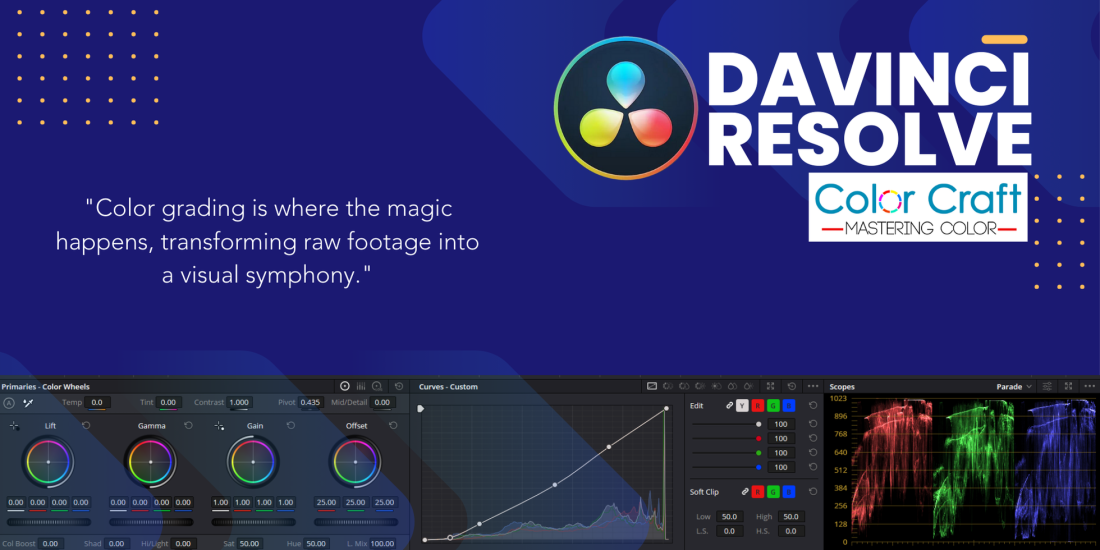
The Power of DaVinci Resolve in Color Grading for Movies and TV
DaVinci Resolve is the gold standard in color grading for the film and television industry. Renowned for its unparalleled precision and advanced features, DaVinci Resolve empowers colorists to bring a director’s vision to life with stunning accuracy. Whether you’re working on a high-budget blockbuster or a critically acclaimed TV series, this software offers the tools needed to create visually captivating stories that resonate with audiences.
Why DaVinci Resolve is Essential for Color Grading
Color grading is more than just adjusting hues; it’s about crafting the visual tone and mood that defines a film or TV show. DaVinci Resolve’s powerful color grading tools allow you to manipulate every aspect of the image, from basic color correction to complex grading techniques. With features like HDR grading, advanced color wheels, and node-based workflows, Resolve provides the flexibility and control necessary to create anything from vibrant, high-energy scenes to dark, moody atmospheres.
Industry-Leading Features for Professionals
DaVinci Resolve stands out for its ability to handle large-scale projects with ease, making it the preferred choice for Hollywood studios and top TV networks. Its seamless integration of editing, color grading, visual effects, and audio post-production in one platform means you can complete your entire project within a single software environment. This not only streamlines the workflow but also ensures consistency in the final output.
DaVinci Resolve Training at Color Craft
At Color Craft, we offer specialized training in DaVinci Resolve, focusing on the color grading techniques that set the standard in movies and television. Our courses are designed to equip you with the skills needed to master this powerful software, whether you’re a beginner or looking to refine your expertise. With hands-on projects and expert guidance, our training ensures that you’re ready to tackle real-world challenges and deliver professional-grade results.
DaVinci Resolve Color Grading Curriculum
Module 1: Introduction to DaVinci Resolve
- Overview of the interface and tools
- Project setup and media organization
- Basic editing workflow
Module 2: Color Grading Basics
- Understanding color theory
- Primary color correction techniques
- Using scopes (Waveform, Parade, Vectorscope, Histogram)
Module 3: Advanced Color Grading Techniques
- Secondary color corrections
- Working with Power Windows and masks
- Keying and qualifiers for precise adjustments
- Matching shots for consistency
Module 4: Creative Grading
- Crafting looks: cinematic, vintage, high-contrast, etc.
- Using LUTs effectively
- Emulating film styles
Module 5: Color Grading for Specific Media
- Grading for film and television
- Color workflows for YouTube and online platforms
- Preparing for HDR grading
Module 6: Audio and Effects Integration
- Syncing color grading with sound design
- Adding basic visual effects and transitions
Module 7: Final Delivery
- Rendering settings for various platforms
- Exporting graded projects in multiple formats
- Troubleshooting common issues
Module 8: Portfolio Project
- Students create a fully graded project from start to finish
- Review and feedback sessions
Module 9: Career Guidance
- Industry best practices
- Networking and building your portfolio
- Job opportunities in the color grading field
This curriculum provides a comprehensive path from foundational skills to advanced techniques, empowering students to excel in color grading with DaVinci Resolve.